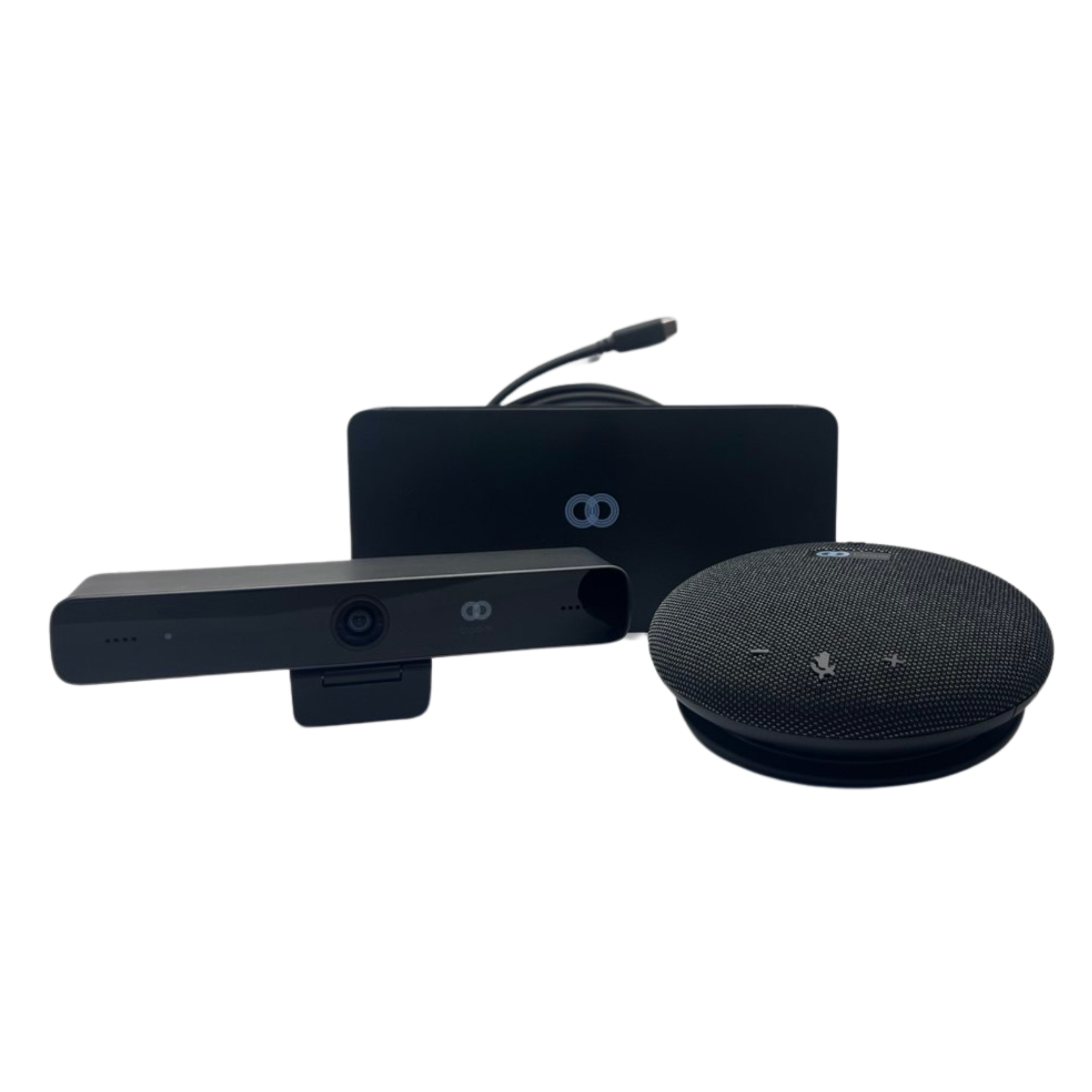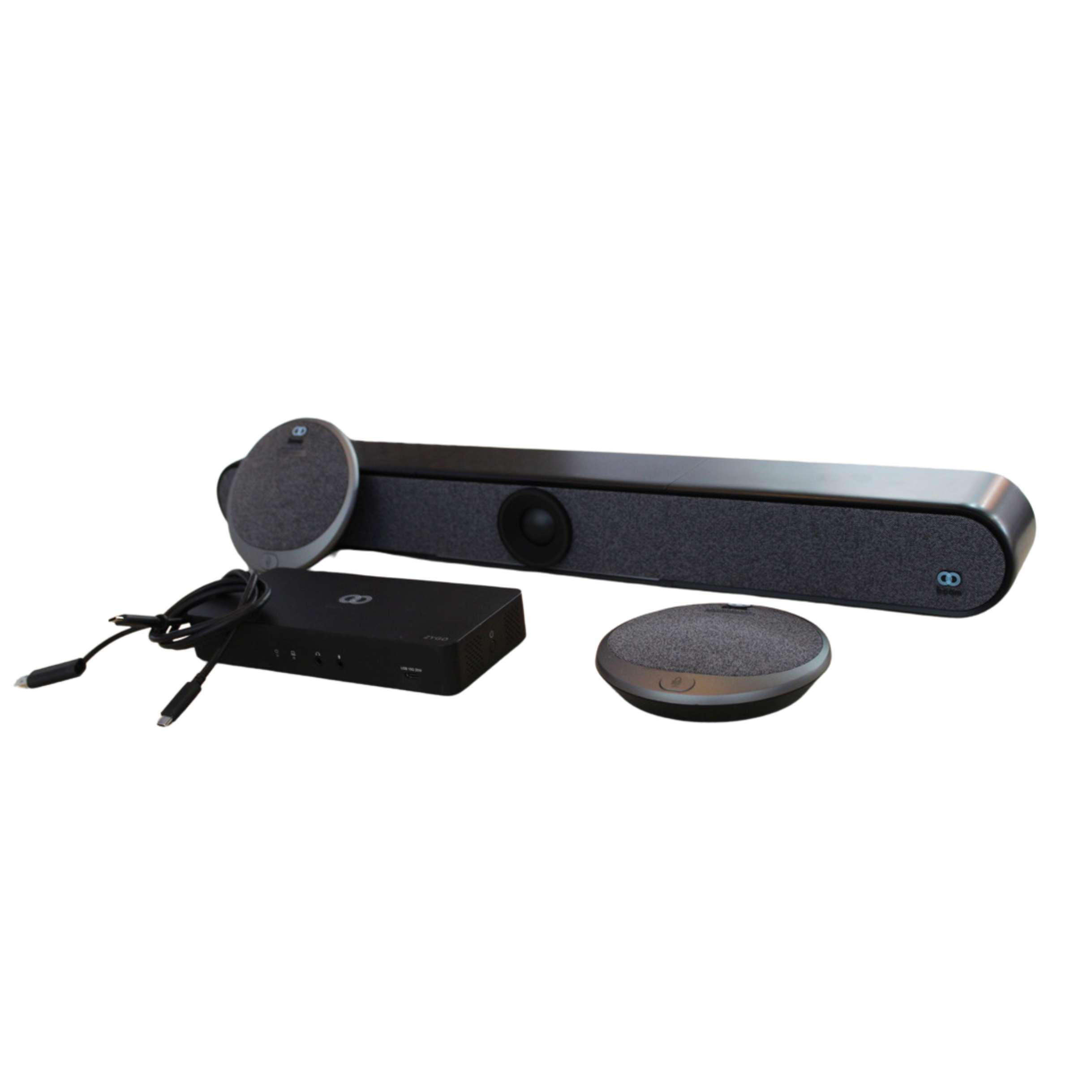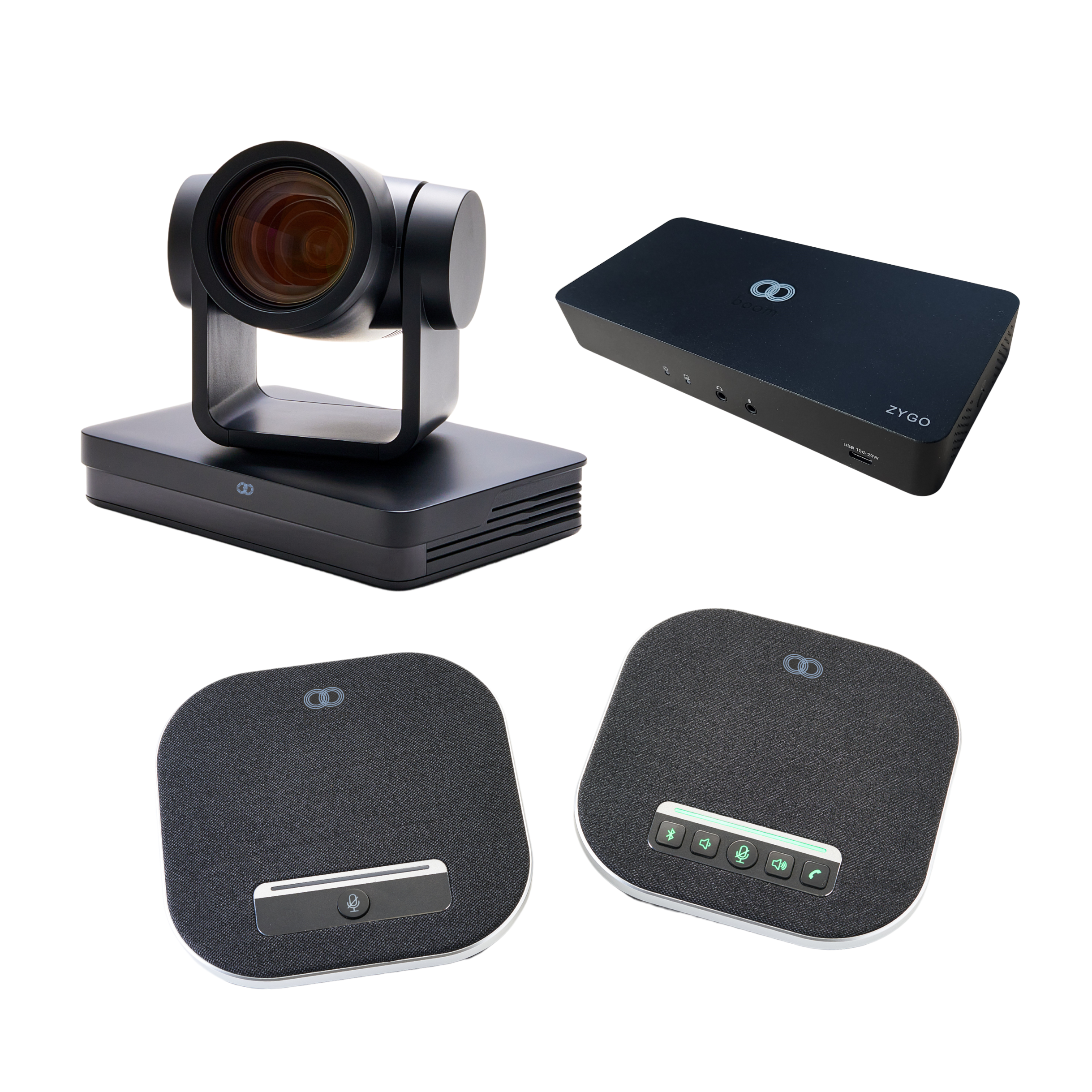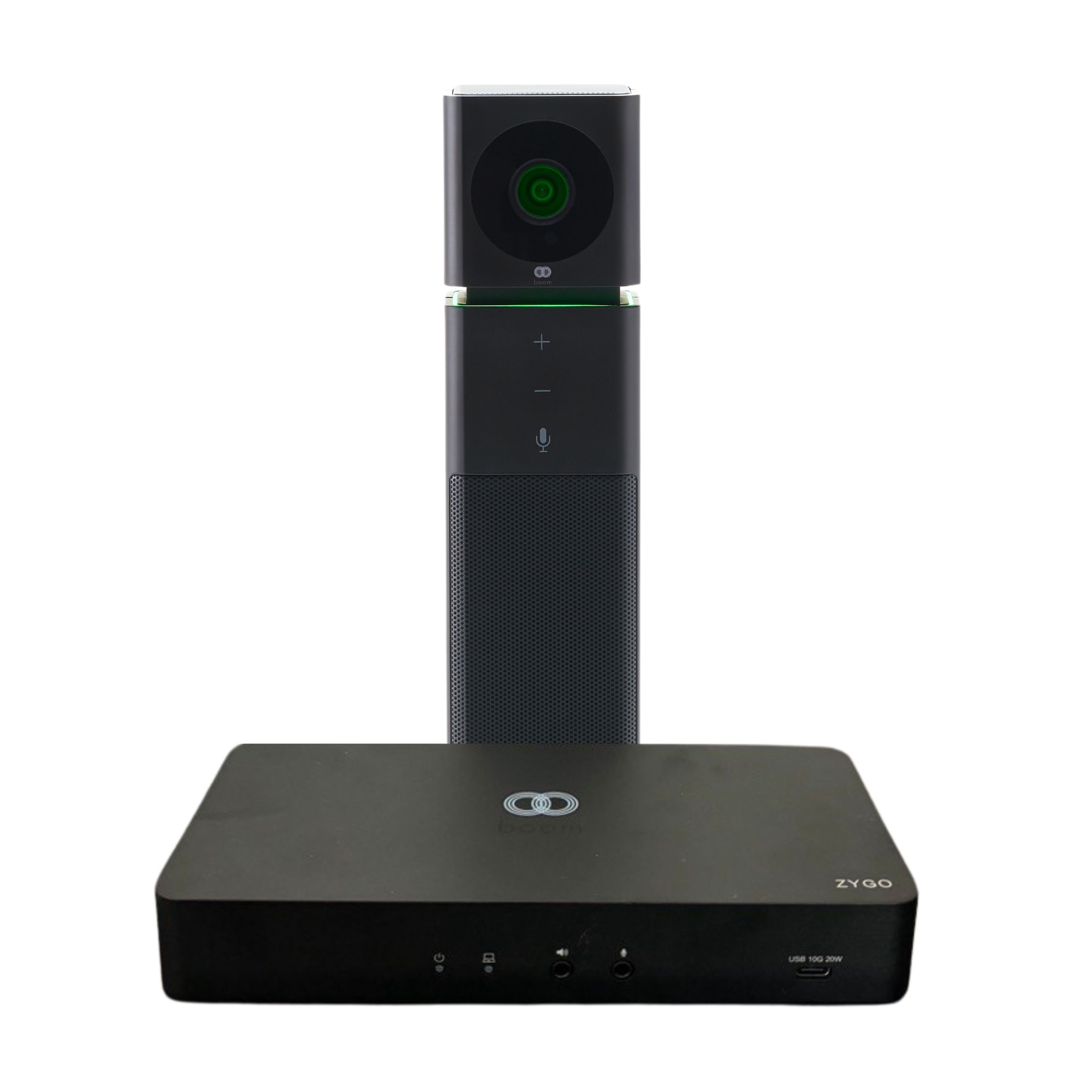
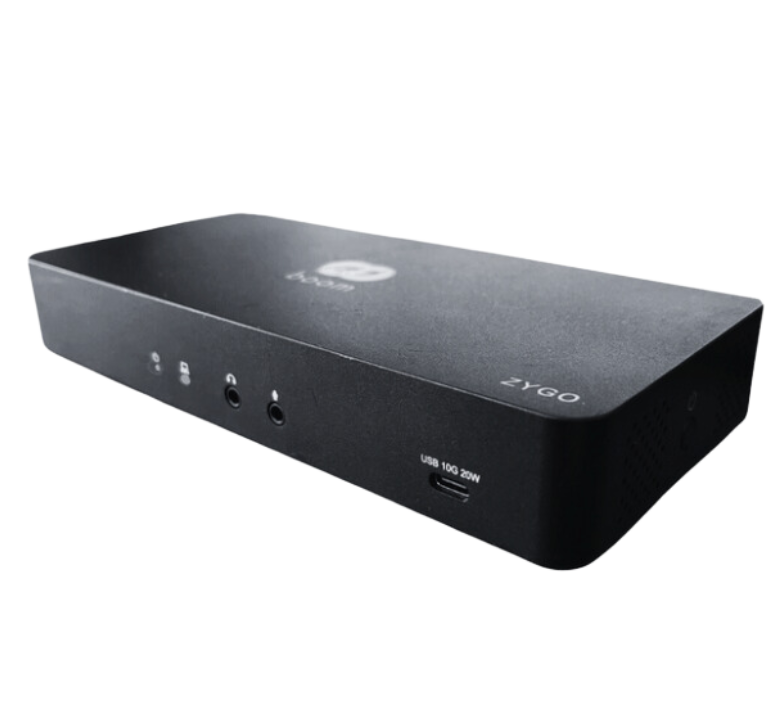
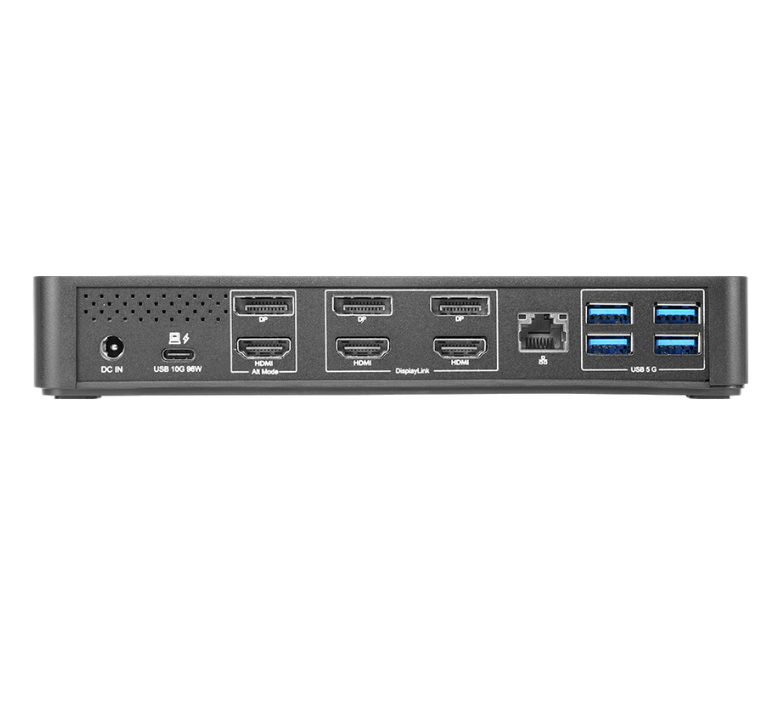
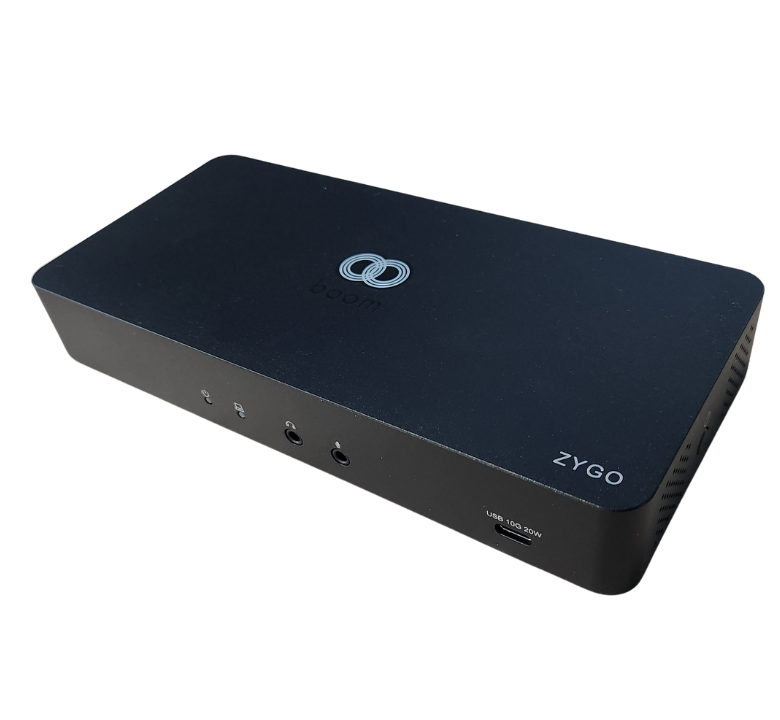

Boom ZYGO is a BYOM and BYOD hub built for one cable meeting room connectivity. Connect to the room with a single cable and instantly access displays, USB peripherals like cameras and speakerphones, and fast wired networking. ZYGO works across a wide range of laptops: modern USB-C devices using DisplayPort Alt Mode, and older laptops that only have USB-A using DisplayLink. It supports up to three 4K displays, delivers up to 96W laptop charging, includes a 20W USB-C port for accessories, and adds 1GbE Ethernet for reliable performance. Ideal for conference rooms, classrooms, and flexible spaces where users bring different laptops and everything needs to just work.

Ease of Use: Connect and charge with just one cable, simplifying control in your conference room or meeting space.

Triple 4K60 Display: Support up to three 4K60 resolution screens with legacy HDMI 2.0 and DP 1.2 ports, enhancing your visual experience.

Cut the Clutter: Charge your laptop with 96W via USB-C and use an additional 20W USB-C port for peripherals, reducing the need for extra adapters.
Specs & Details
Overview
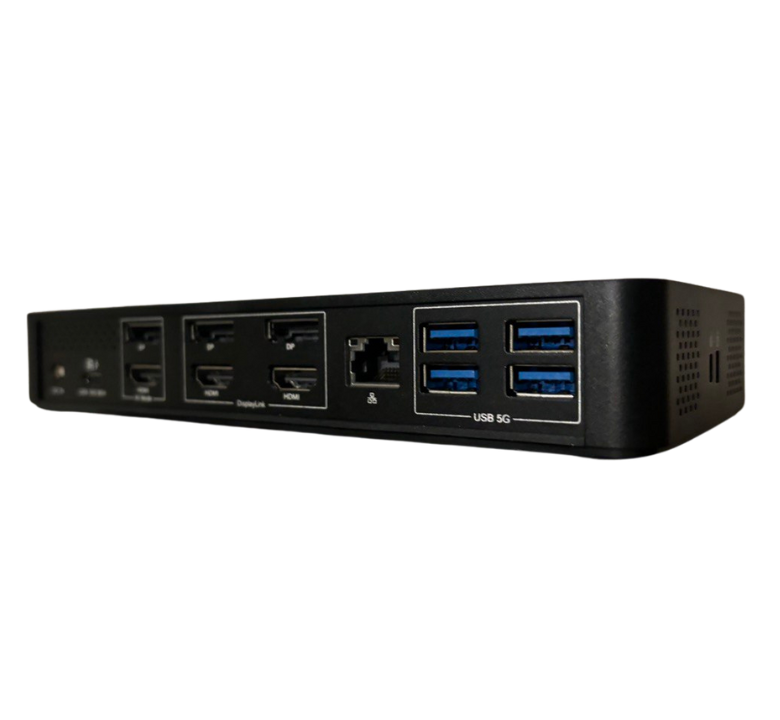
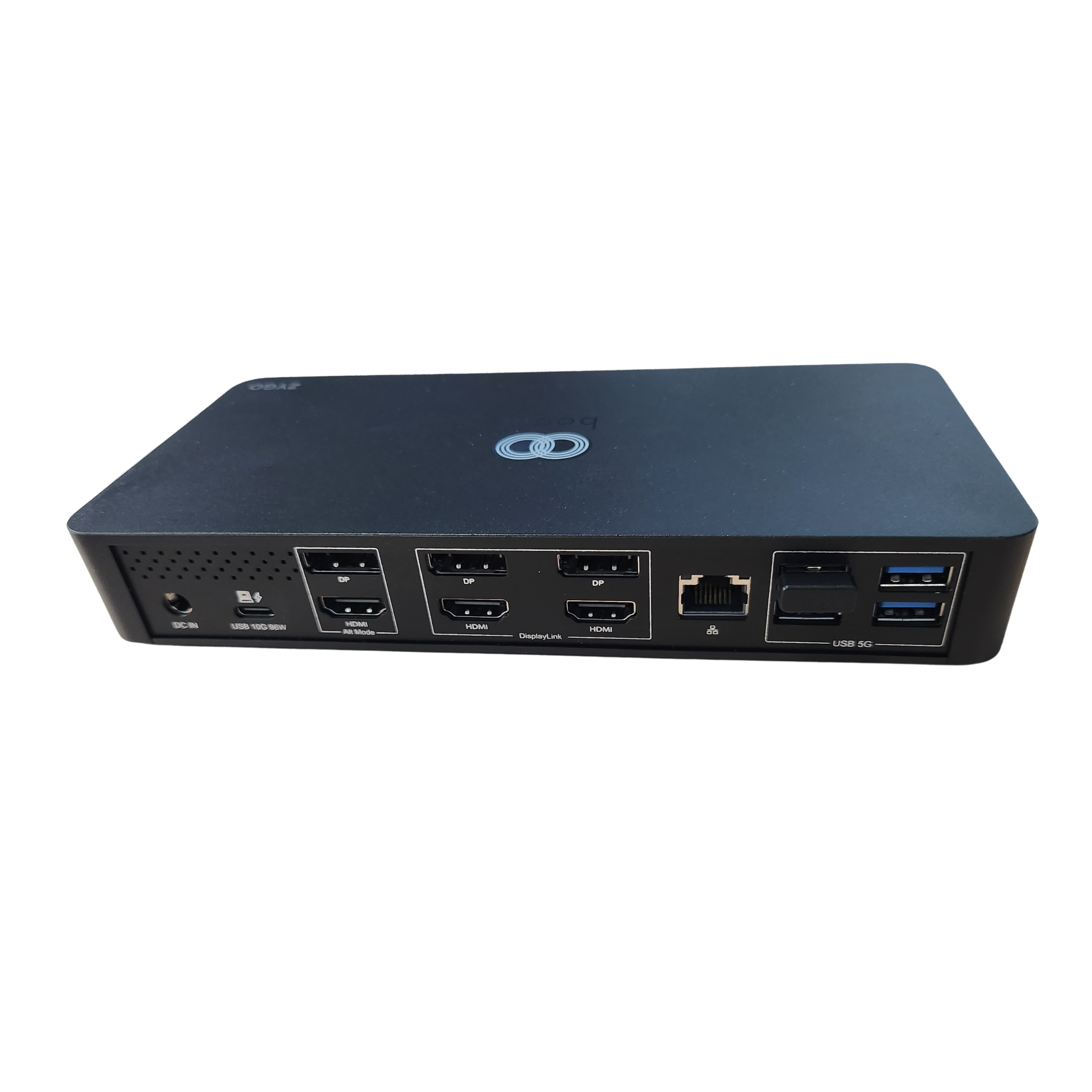
DC power port
Laptop port
Alt Mode ports
Display Link ports
Gigabit Ethernet port
USB 5G ports
Power button
Power indicator light
PD Indicator light, on when
powering connected laptop
Speaker jack
Mic jack
Downloads
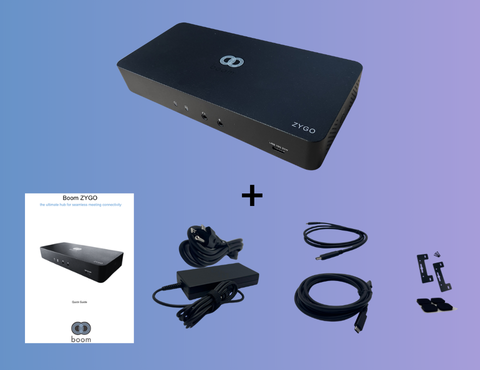
What's in the Box
-
Boom ZYGO hub
-
USB-C to USB-C cable
-
Universal power adapter
-
Mounting kit
-
Rubber feet x 4
Dimensions
8.1 x 1 x 3 in
20.57 x 2.54 x 7.62 cm
Technical Specifications
-
Max displays: 3x
-
Max resolution: 3x 4K60
-
Legacy display port: 3x DP1.2 | 3x HDMI 2.0
-
USB-C upstream: 1x USB-C 10G
-
USB-C downstream: 1x USB-C 10G, 4x USB-A 5G
-
Audio jack: 1x 3.5mm TRS speaker, 1x 3.5mm TRS mic
-
PD: PD96W (USB-C uplink), PD20W (USB-C downlink)
Compatibility
Windows, macOS, and ChromeOS.
BYOM/BYOD compatible: works with Microsoft Teams, Zoom, Google Meet, Webex, and other conferencing apps when run from the connected laptop.
System Requirements
For Alt Mode display ports (native video):
– Laptop USB‑C port must support DisplayPort Alt Mode
For DisplayLink display ports:
– Install DisplayLink software on the laptop BEFORE first use
(Windows: DisplayLink driver; macOS: DisplayLink Manager)
For laptop charging through ZYGO:
– Laptop USB‑C port must support USB Power Delivery (PD)
ChromeOS:
– DisplayLink is supported natively on modern ChromeOS versions
Warranty Information
3-year Limited hardware warranty
Optional 5-year Boom Care plan
.png)
People are talking
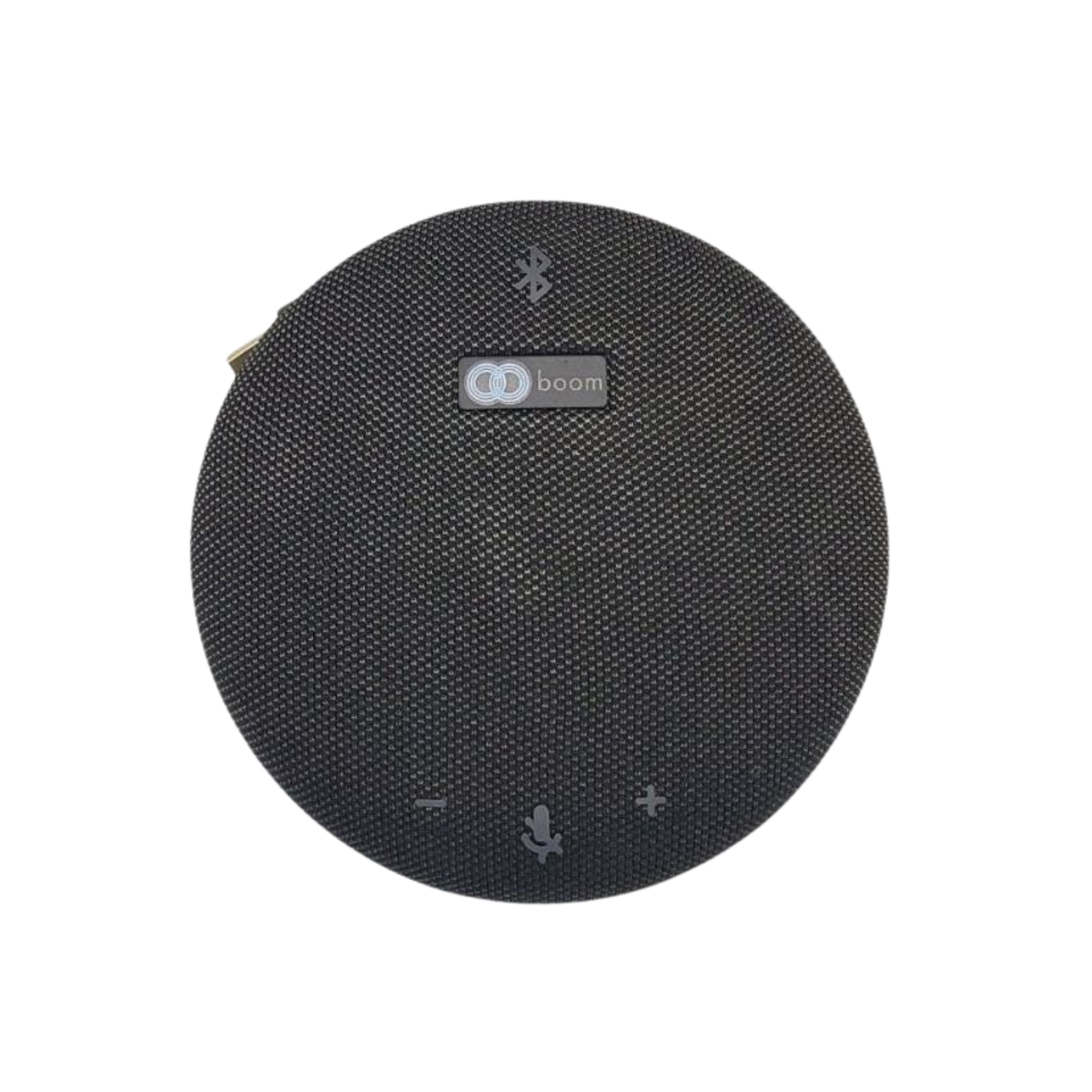
"As an AV enthusiast, I crave exceptional sound. The Boom GIRO delivers! Rich audio makes meetings clear & engaging. Plus, it doubles as a fantastic Bluetooth speaker for music. Top-notch!"
"As an AV enthusiast, I crave exceptional sound. The Boom GIRO delivers! Rich audio makes meetings clear & engaging. Plus, it doubles as a fantastic Bluetooth speaker for music. Top-notch!"